
How to lookup SPF records
Jump toSPF records can be configured by the owner of a domain name. They are used to specify which mail servers are authorized to send email on behalf of the domain. SPF records are stored as TXT records and help prevent email spoofing.
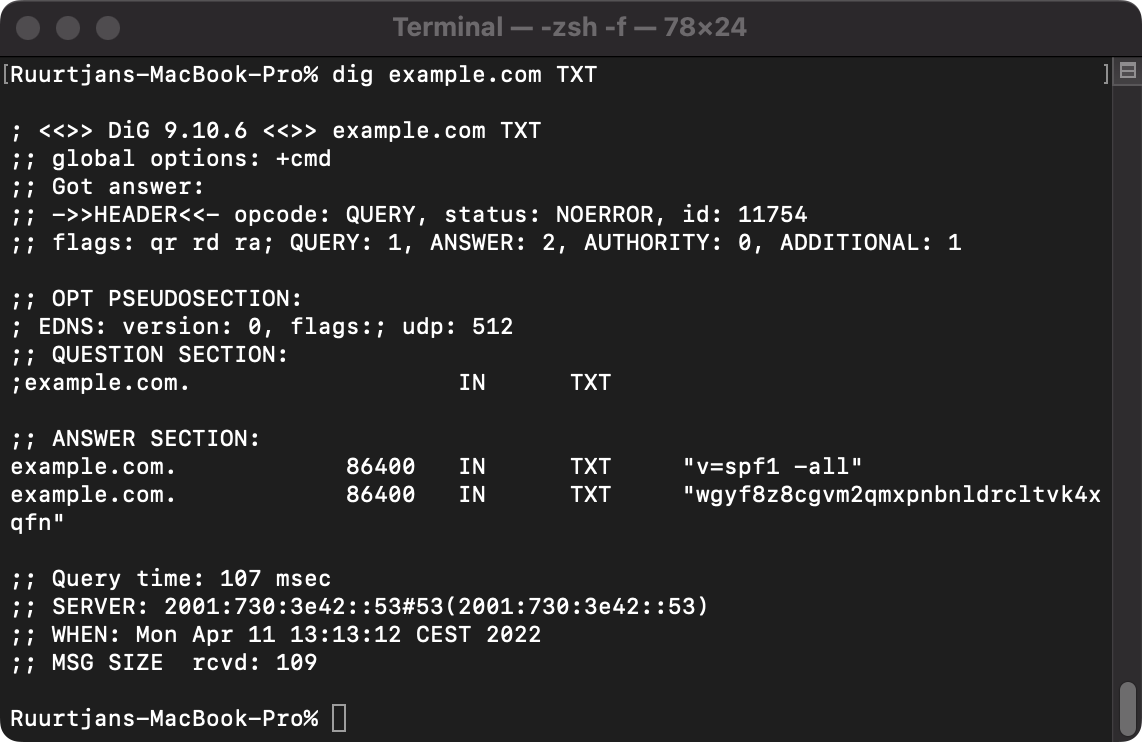
How to lookup SPF records on Windows
To check the SPF records for a certain domain name on Windows, follow these steps:
- Open a command prompt by navigating to Start → 'Type here to search' → 'cmd' → Open.
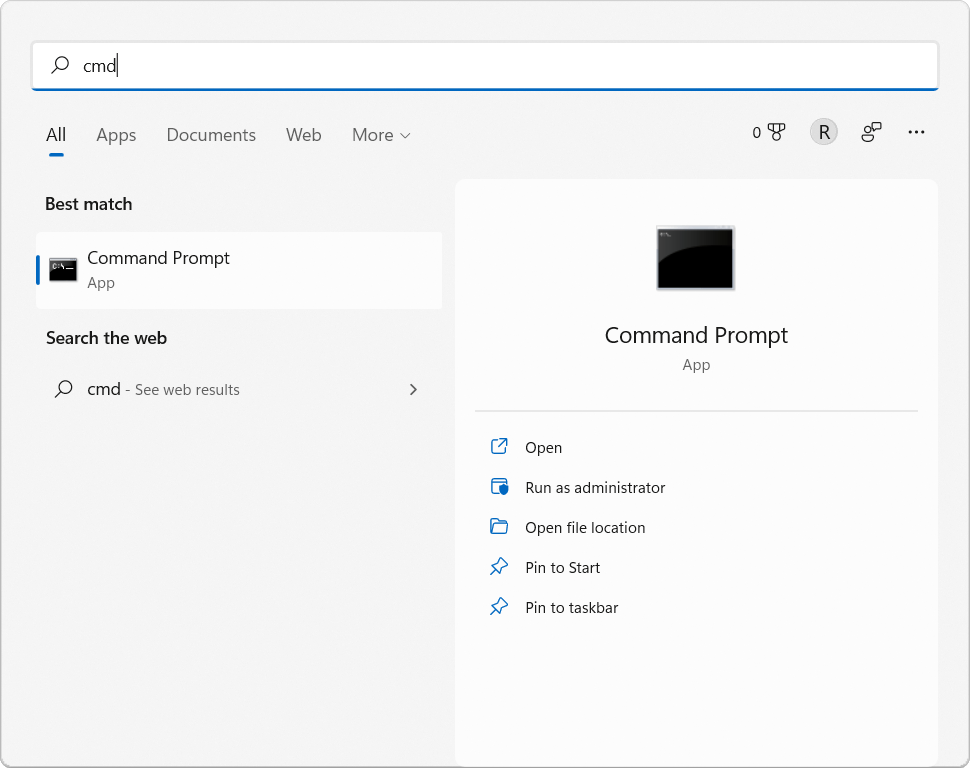
- Type
nslookup -q=txt example.comand hit [enter] to get the SPF records forexample.com.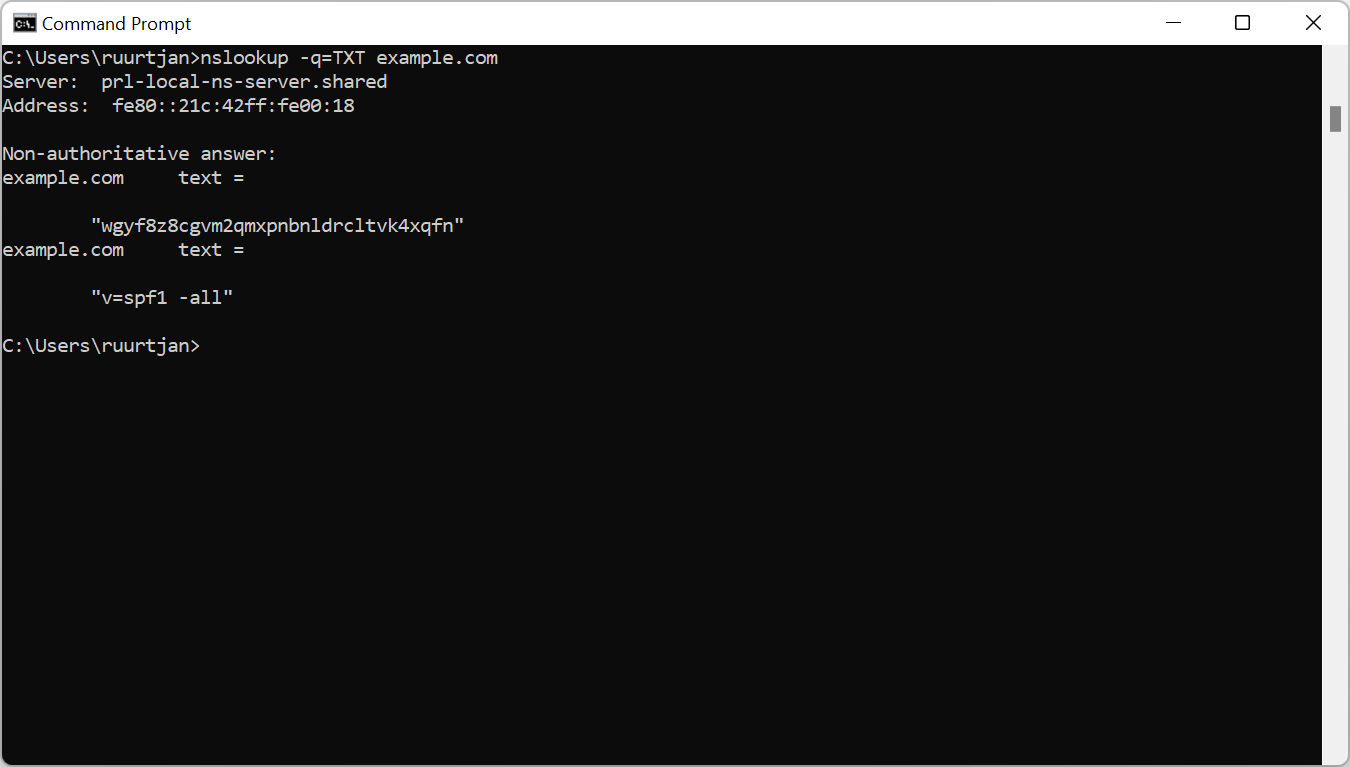
- The SPF records are listed below the Non-authoritative answer heading.
How to lookup SPF records on Mac OS
To check the SPF records for a certain domain name on a Mac, follow these steps:
- Open a terminal by entering [command] + [space] → 'terminal.app' → [enter].
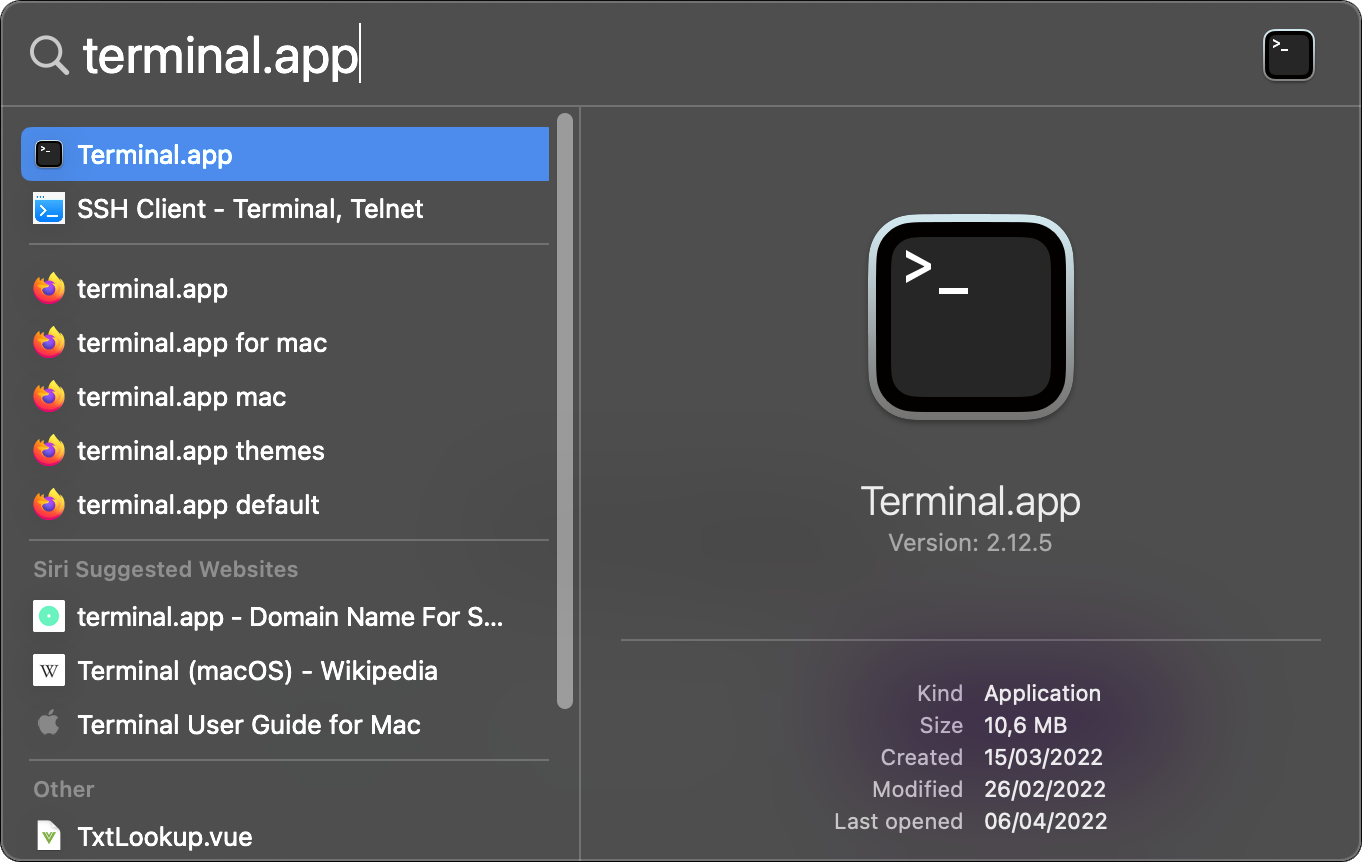
- Type
dig example.com txtand hit [enter] to get the SPF records forexample.com. - The SPF records are listed below the ANSWER SECTION heading.
How to lookup SPF records on Linux
To check the SPF records for a certain domain name on Linux, follow these steps:
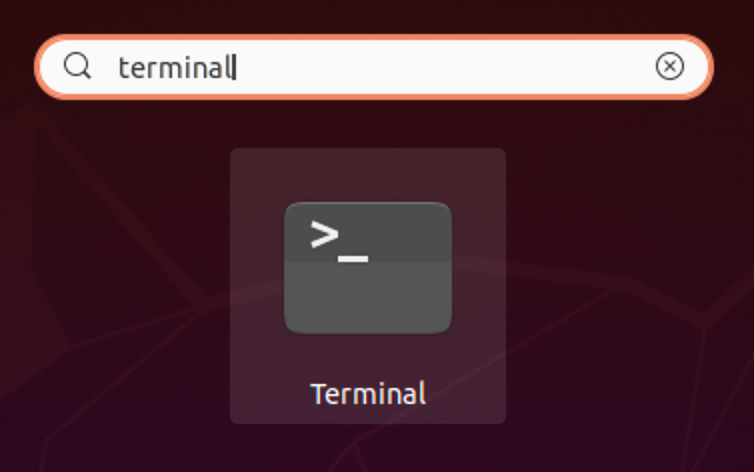
- Open a terminal by entering [Super] → 'terminal' → [enter].
- Type
dig example.com txtand hit [enter] to get the SPF records forexample.com.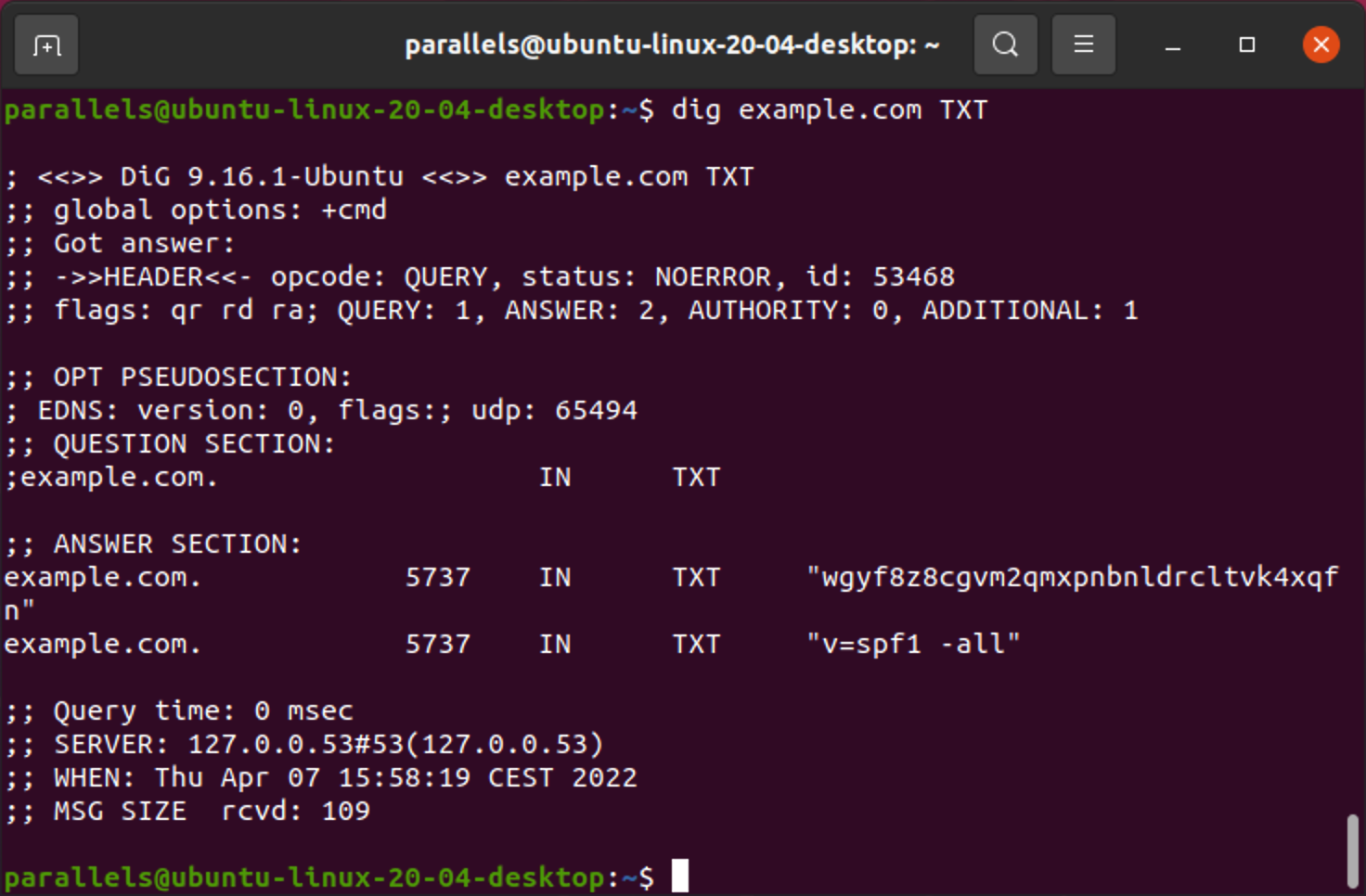
- The SPF records are listed below the ANSWER SECTION heading.
How to find SPF records
To check the SPF records of a domain, follow these steps:
- Open the SPF lookup tool.
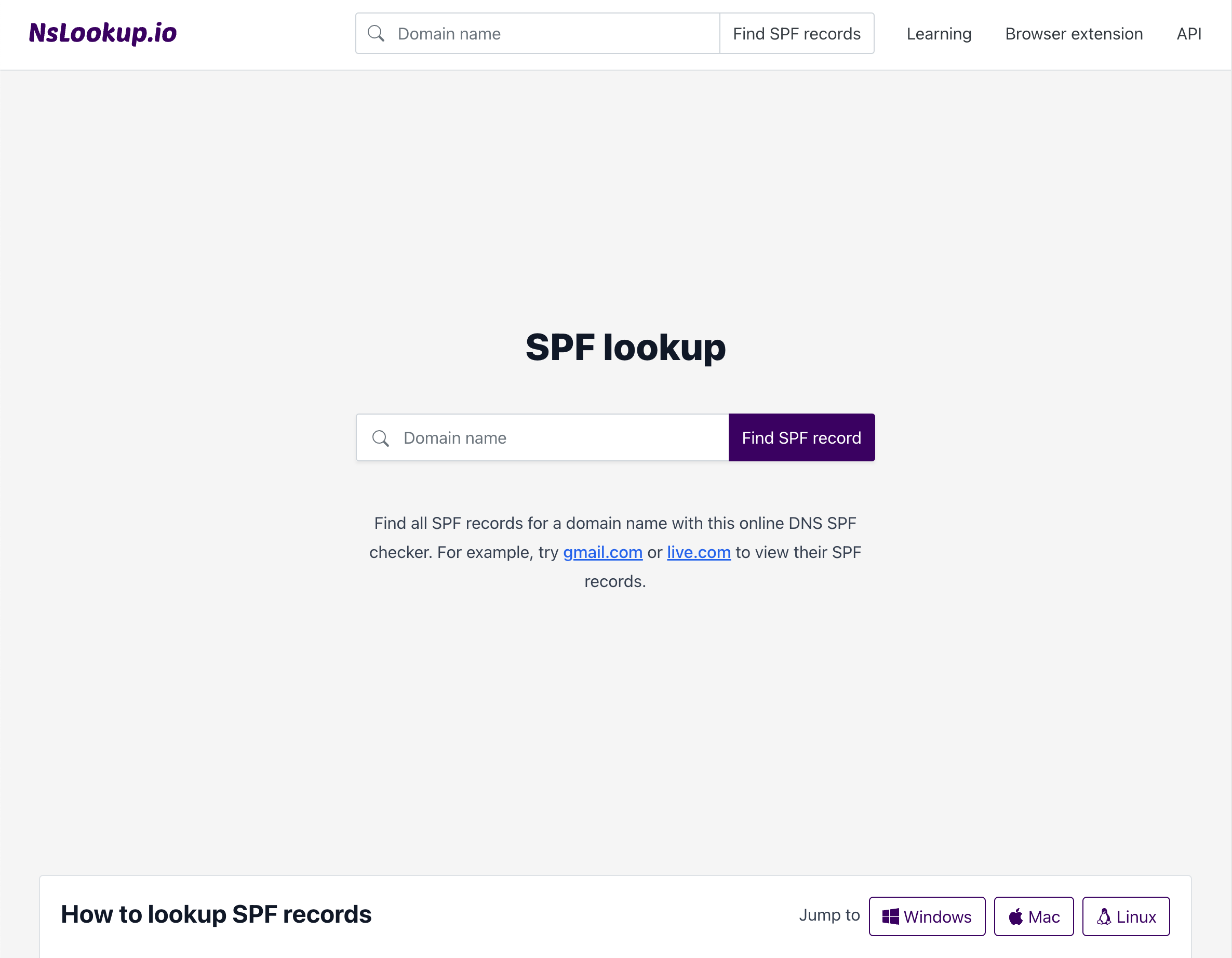
- Enter the domain name and hit [enter].
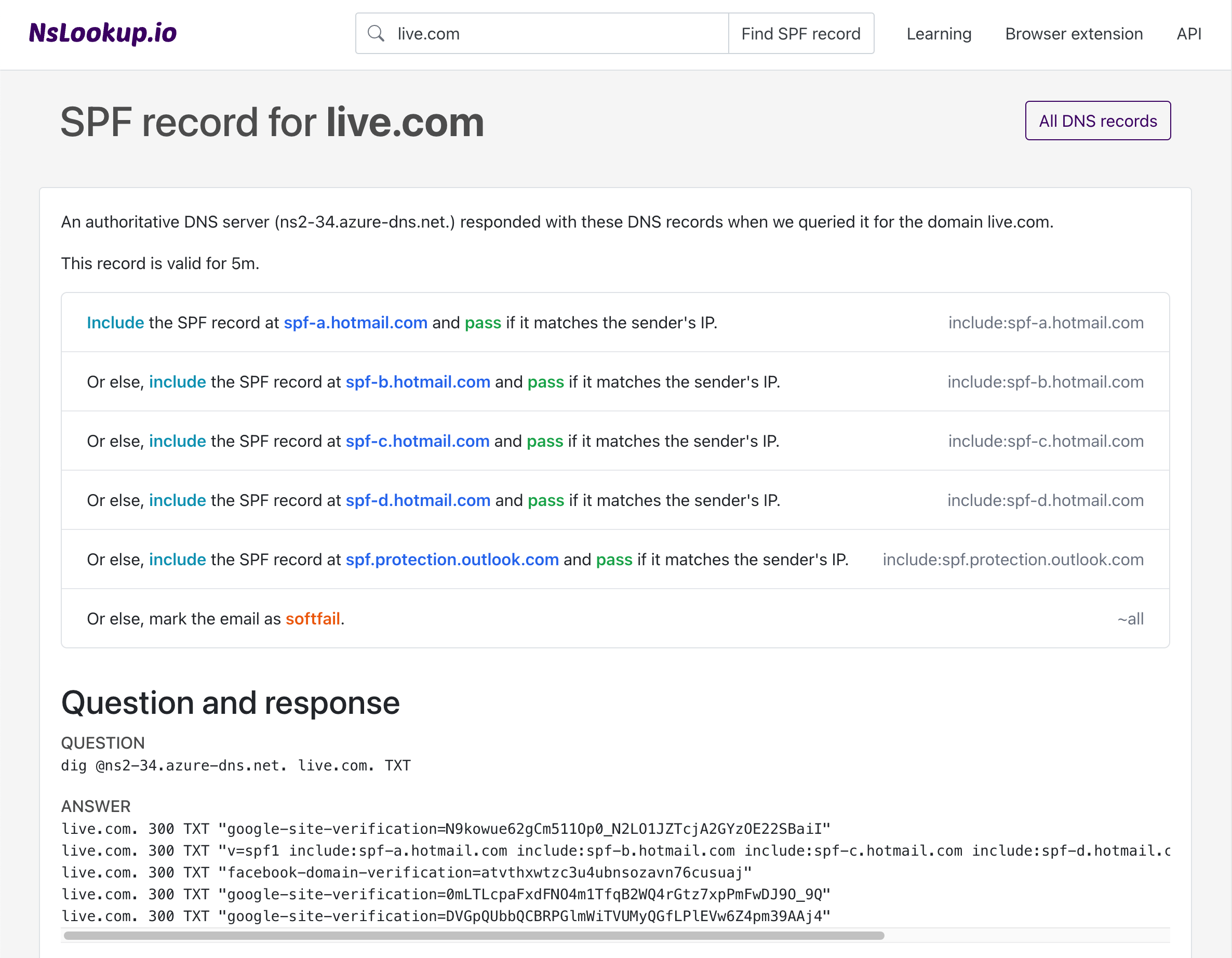
- The tool will query the SPF records and shown them at the top of the page.
How to lookup other record types
There are other types of DNS records than just SPF. The most commonly used DNS record types are A, AAAA, CNAME, NS, TXT, MX and SOA. If you'd like to look up all records of these record types, you can do so with nslookup. Click any of the record types below to find DNS records for that specific record type.
- A lookup — IPv4 address
- AAAA lookup — IPv6 address
- AFSDB lookup — AFS database location
- APL lookup — Address prefix list
- AXFR lookup — Authoritative zone transfer
- CAA lookup — Certification authority authorization
- CDNSKEY lookup — Child copy of a DNSKEY
- CDS lookup — Child copy of DS
- CERT lookup — Cryptographic certificate
- CNAME lookup — Canonical name
- CSYNC lookup — Child-to-parent synchronization
- DHCID lookup — DHCP identifier
- DLV lookup — DNSSEC lookaside validation
- DNAME lookup — Delegation name
- DNSKEY lookup — Cryptographic key for DNSSEC
- DS lookup — Delegation signer
- EUI48 lookup — MAC address (EUI-48)
- EUI64 lookup — Mac address (EUI-64)
- HINFO lookup — Host information
- HIP lookup — Host identification protocol
- HTTPS lookup — HTTPS binding
- IPSECKEY lookup — Cryptographic key for IPsec
- IXFR lookup — Incremental zone transfer
- KEY lookup — Cryptographic key for DNSSEC (obsoleted by DNSKEY)
- KX lookup — Key exchange
- LOC lookup — Geographical location
- MX lookup — Mail exchange
- NAPTR lookup — Naming authority pointer
- NS lookup — Name server
- NSEC lookup — Next secure (obsoleted by NSEC3)
- NSEC3 lookup — Next secure (version 3)
- NSEC3PARAM lookup — Parameter for NSEC3
- NXT lookup — DNSSEC key (obsoleted by NSEC)
- OPENPGPKEY lookup — Public key for OpenPGP
- OPT lookup — EDNS option
- PTR lookup — Canonical name pointer
- RP lookup — Responsible person
- RRSIG lookup — Resource record signature for DNSSEC
- SIG lookup — Resource record signature for DNSSEC (obsoleted by RRSIG)
- SMIMEA lookup — S/MIME association
- SOA lookup — Start of authority
- SRV lookup — Service locator
- SSHFP lookup — Public key fingerprint for SSH
- SVCB lookup — Service binding
- TA lookup — Trust authority for DNSSEC
- TKEY lookup — Transaction key
- TLSA lookup — Certificate association for TLS
- TSIG lookup — Transaction signature
- TXT lookup — Human-readable text
- URI lookup — Uniform resource identifier
- ZONEMD lookup — Message digest for DNS zones