
What is DKIM and How Email Verification Works?
Email systems cannot fully trust the "From" address you see in your inbox because it can be easily faked. To check if a message is real, email providers use authentication methods that verify where the email came from and whether it was changed. One of the most important methods is DomainKeys Identified Mail (DKIM).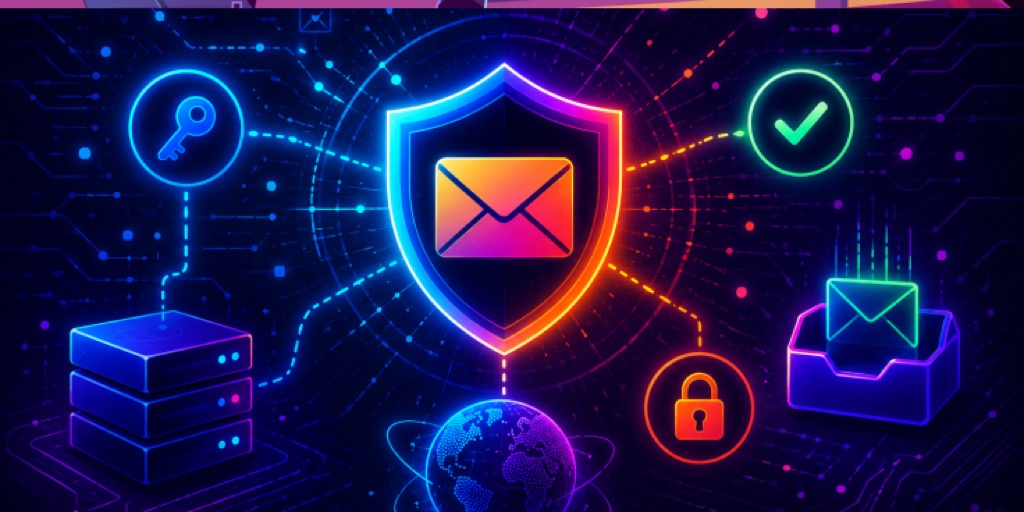
DKIM lets a domain add a secure digital signature to every email it sends. This signature helps receiving servers confirm that the email was actually sent by the domain and that its content has not been modified during delivery.
As part of email verification, DKIM acts as a strong trust signal. Inbox providers use it to identify safe emails, block suspicious ones, and decide whether your message reaches the inbox or not. For a hands-on walkthrough, see our practical guide to DKIM.
What is DKIM and Why It Matters for Email Security
DomainKeys Identified Mail (DKIM) is an email authentication method that helps verify that an email is sent from the right domain and has not been changed on the way. If you're wondering what DKIM is in email, it is basically a way to prove that an email is genuine. Instead of trusting the "From" address, DKIM adds a digital signature to the email header. This signature is created using a private key, while the matching public key is stored in the domain's DNS.
DKIM mainly protects the integrity of an email. When an email is sent, parts of it, like the body and headers, are signed. When the receiving server gets the message, it checks the public key and compares the data. If everything matches, the email is considered safe. Even a small change, like a modified link or extra character, will cause the check to fail.
As part of email verification, DKIM is one of the most trusted signals used by inbox providers. Along with other email authentication methods, it helps detect fake emails, prevent phishing attacks, and build domain trust. Over time, properly signed emails improve your chances of reaching the inbox instead of the spam folder.
How DKIM Works: A Simple Step-by-Step Explanation
To understand how DKIM works in real scenarios, it helps to break the process into simple steps.
Step 1: The Email is Signed with a Private Key
When an email is sent, the sending server creates a digital signature using a private key. This key is kept secure by the domain owner. The server selects important parts of the email, like the body and some headers, and signs them before sending.
Step 2: The DKIM Signature is Added to the Email Header
After the signature is created, it is added to the email as a DKIM-Signature header. This header contains details like the domain name, selector, and the signature value. It travels along with the email to the receiving server.
Step 3: The Receiving Server Fetches the Public Key from DNS
When the email reaches the recipient's server, it reads the DKIM-Signature header. Using the selector and domain mentioned there, it looks up the DKIM record in DNS to find the public key.
Step 4: The Server Verifies the Signature (Pass or Fail)
The receiving server uses the public key to check the signature. It recalculates the values from the email and compares them with the signature.
- If everything matches, DKIM passes, meaning the email is authentic and unchanged.
- If not, DKIM fails, which signals possible tampering or spoofing.
This step-by-step process shows exactly how DKIM works and helps email providers decide whether to trust a message or treat it as suspicious.
What is Email Verification and How It Uses DKIM
To understand email verification and what DKIM is in email, you need to see how different checks work together to confirm that an email is real, safe, and unchanged.
Email verification means checking if an email is real and safe before it reaches your inbox. Email providers do not just trust the sender's name or address, as they can be fake. Instead, they run checks in the background to see where the email came from, if the sender is allowed, and if anything looks suspicious. This helps block harmful or fake emails early.
DKIM is an important part of this process. It adds a digital signature to every email, like a security stamp. When the email is received, this signature is checked. If it matches, the email is considered safe and unchanged. If it does not match, the email may be treated as suspicious.
DKIM also works with SPF and DMARC to make email verification stronger. SPF checks if the sender is allowed, DKIM checks if the email content is unchanged, and DMARC tells what to do if something fails. Together, they help emails reach the inbox instead of the spam folder.
Common DKIM Issues and How to Fix Them
Even after setup, problems can still occur with DKIM records and their configuration. These issues can affect email authentication and delivery. Here are some common problems and how to fix them.
Missing or Invalid DKIM Records
This happens when your domain does not have a DKIM record, or it is added incorrectly in DNS. Without it, email providers cannot verify your emails. To fix this, you can use the EasyDMARC DKIM Record Generator to create the correct record and add it to your DNS.
Key Mismatches or Rotation Issues
This issue happens when the private key used to sign emails does not match the public key in your DNS. It can also happen during key rotation if not done correctly. To fix this, make sure both keys match. If you are rotating keys, first update the DNS, then switch to the new key, and test everything after.
Misconfigured Email Services
DKIM can fail if your email service is not set up properly. This can happen if signing is turned off, the selector is wrong, or multiple tools are not configured correctly. To fix this, check your email provider settings and make sure DKIM signing is enabled. If you use more than one service, set up DKIM separately for each one.
Quick Troubleshooting Tips
If DKIM is not working, start by checking your DNS record and email headers. Look for errors like missing records or failed signatures. You can use tools like EasyDMARC DKIM Record Lookup to quickly test your setup. Also, make sure DKIM is enabled in your email service. Regular checks help avoid bigger issues later.
DKIM is one layer of three
DKIM proves your message wasn't altered, but it works best alongside SPF and DMARC. If you're setting up authentication from scratch, read how the three fit together in MX vs SPF vs DMARC vs DKIM vs BIMI.
Start With DKIM For Holistic Protection
DKIM is not just a technical setup, it is a key part of making sure your emails are trusted and delivered. When combined with proper email verification, it helps protect your domain, prevent spoofing, and improve your chances of reaching the inbox.
If you want to simplify DKIM setup, monitor your authentication, and fix issues faster, try EasyDMARC's free 14-day trial.
Frequently Asked Questions
How long does it take for DKIM to start working after setup?
After adding your DKIM record, it can take a few minutes to up to 48 hours to fully propagate, depending on your DNS provider. Once updated, emails sent after that will start getting signed and verified.
Can DKIM work without SPF or DMARC?
Yes, DKIM can work on its own, but it is not enough for full protection. Without SPF and DMARC, you miss out on better control and reporting. Using all three together gives stronger email security and better deliverability.
Does DKIM encryption protect email content from being read?
No, DKIM does not encrypt your email. It only ensures that the content has not been changed after sending. Anyone can still read the email unless additional encryption methods are used.
Do I need a separate DKIM setup for each email service I use?
Yes, if you use multiple email services then each one needs its own DKIM setup. This ensures all your emails are properly signed and verified, no matter which platform sends them.